
Product
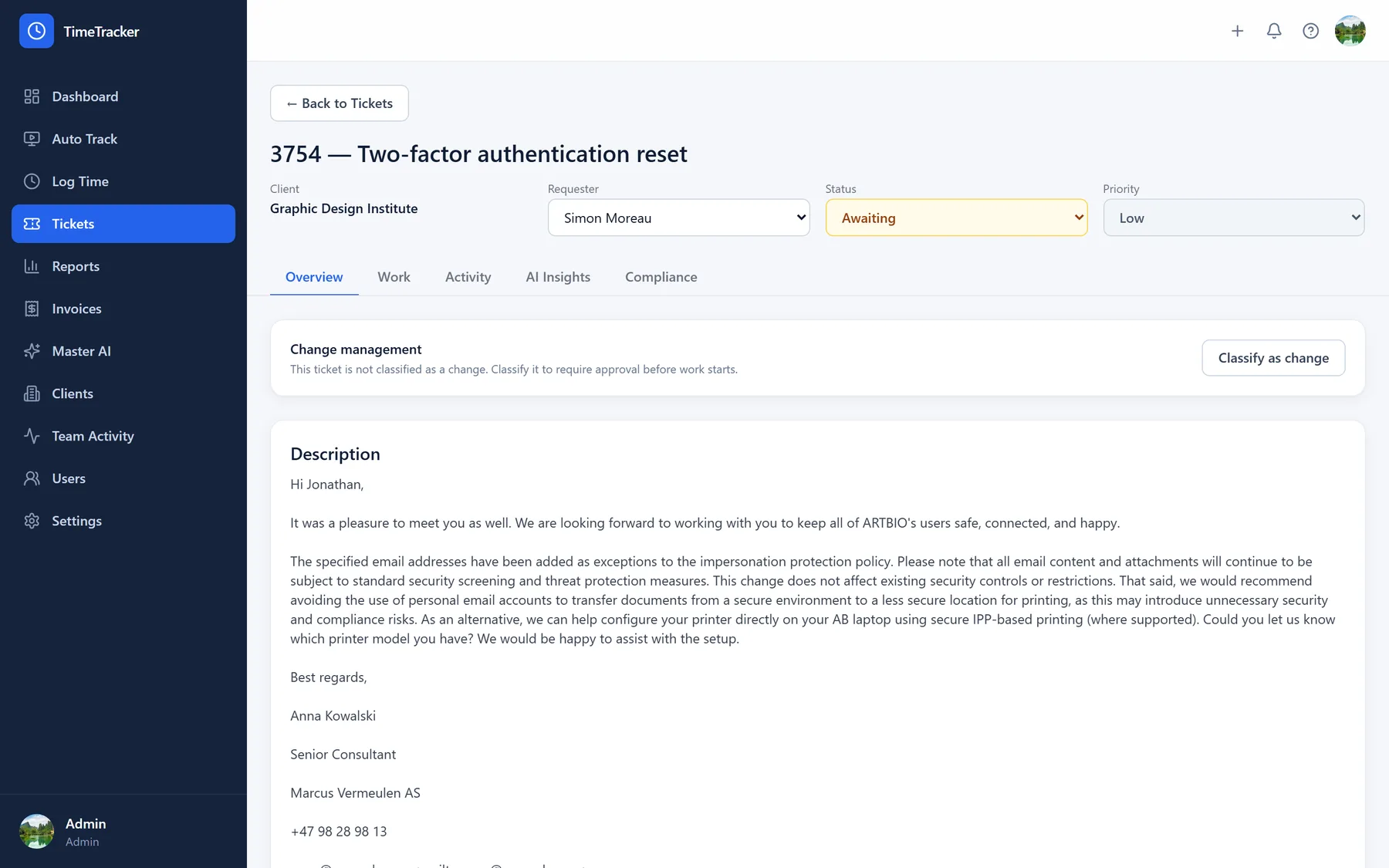
Everything on one record
The conversation, the hours, the evidence and the AI’s own working all sit on one ticket — so the reason a decision was made is searchable by the whole team rather than stuck in one person’s inbox.
Built for providers who have to show a client what was done, and show that client’s auditor that the controls were working while it happened.
Evidence collection
Reads Entra, Intune, Secure Score and NinjaOne on a schedule, and records what it found against ISO 27001:2022 and NIST CSF 2.0 at the same time.
Policy conformance
Reads the policies a client already has, extracts the promises they make, and checks each one against what their systems actually do.
Gated remediation
Secure Score recommendations become drafted change records. Applying one needs an approval, and the previous value is recorded before anything is written.
Service desk
Tickets carrying the full email thread over Microsoft Graph, a support mailbox per client, and ITIL change classification with approval boards.
Time and billing
Hours logged against a ticket and a client, invoices generated from them, and AI time and cost recorded separately from human work.
Supervised automation
A Microsoft 365 agent that asks before each action, told what is already wrong in the tenant before it proposes anything.
Auto track
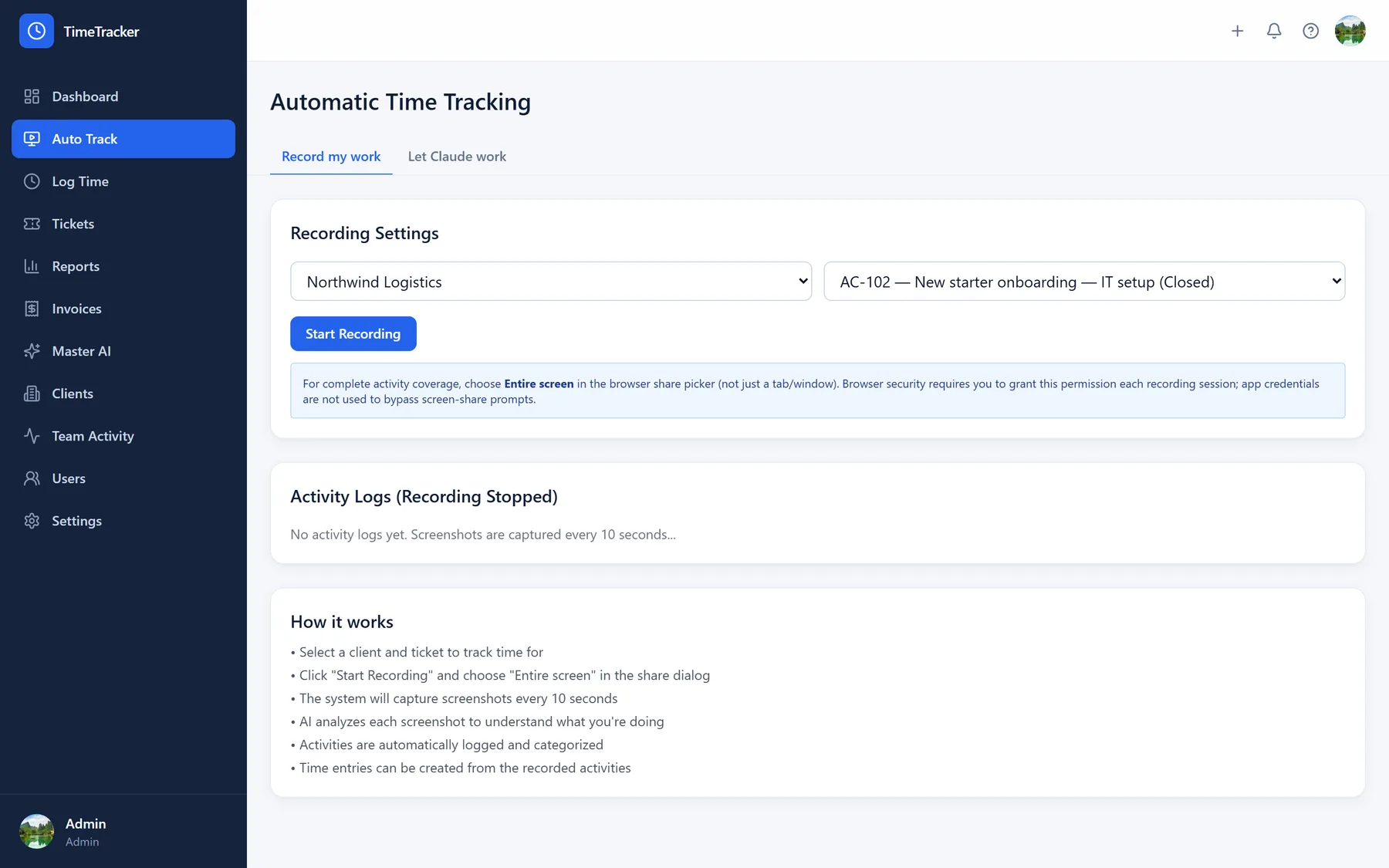
Time that records itself
Record the session and the AI writes the log entry when you stop. The screen session is captured as video you can replay, and only frames that changed are analysed — one summary per session, not noise every minute.
Entries are created against the ticket automatically, so a disputed invoice has an answer behind it.
AI configuration
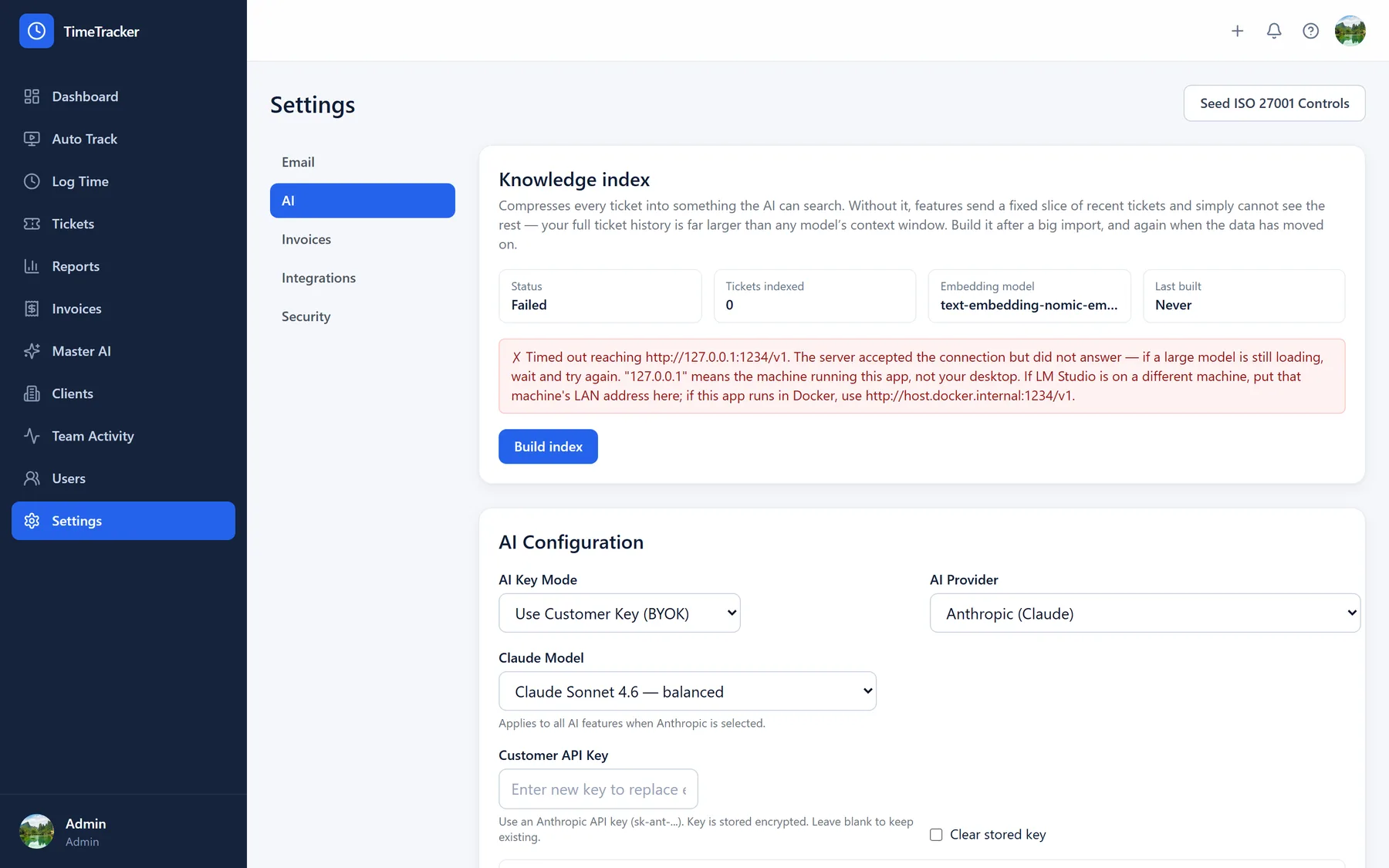
Your keys, your model, your data
Run on Anthropic, OpenAI, or entirely on your own hardware. Bring your own key or run LM Studio locally; each engineer can pick their own model and writing voice, and screen analysis can use a stronger model than the rest.
In local mode, client ticket content never reaches a third-party API.
Integrations
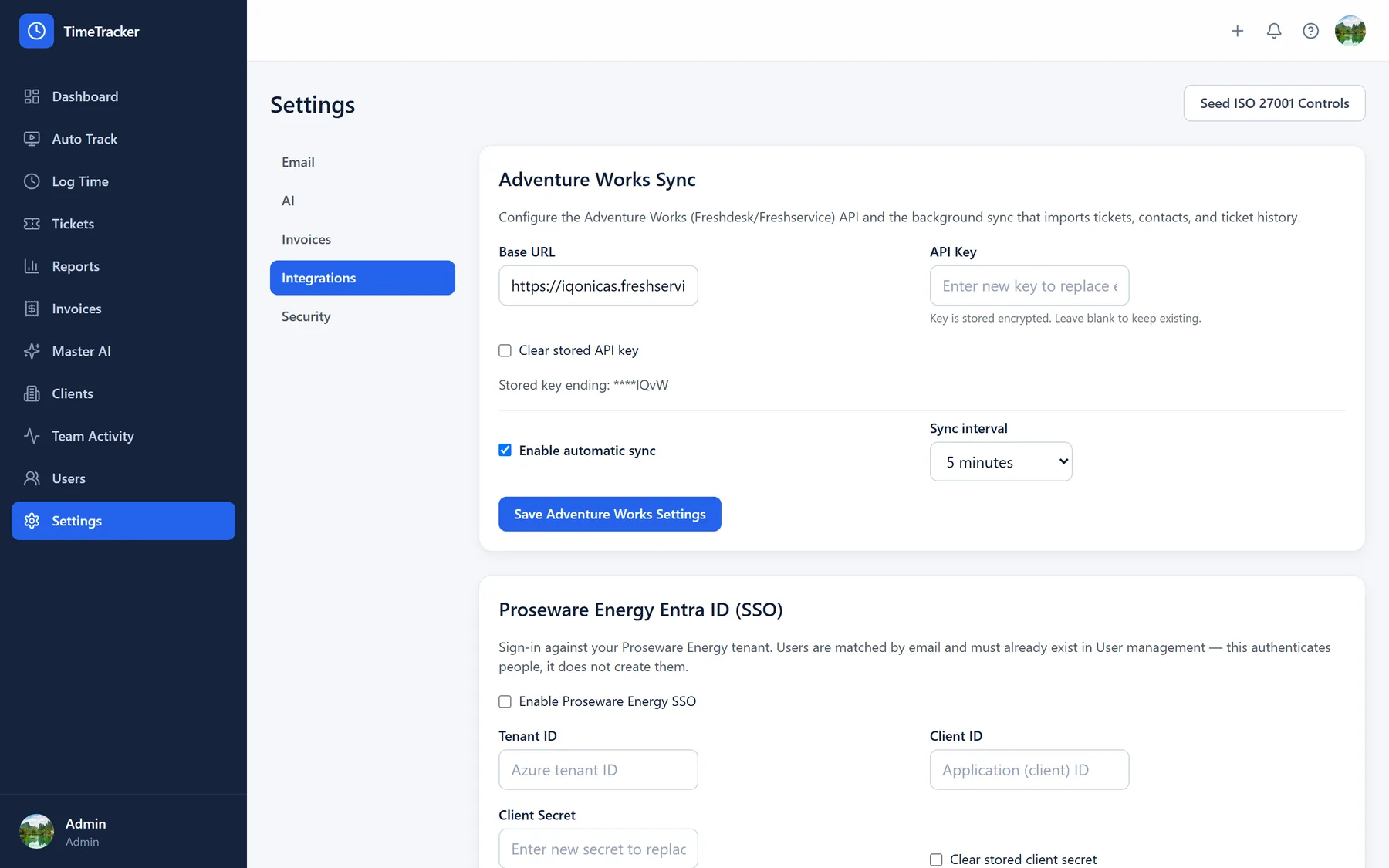
Works with the helpdesk you already run
Import clients, contacts, tickets and conversation history, with Microsoft Entra ID single sign-on and Microsoft 365 mail via Graph — no SMTP password needed.
Imports are read-only — nothing is ever written back to your helpdesk.
Deployment options
Configured for your domain and data residency
Timetrackr can be deployed as a managed tenant and configured for your team’s domain, identity provider and data residency requirements.
Start subscription